
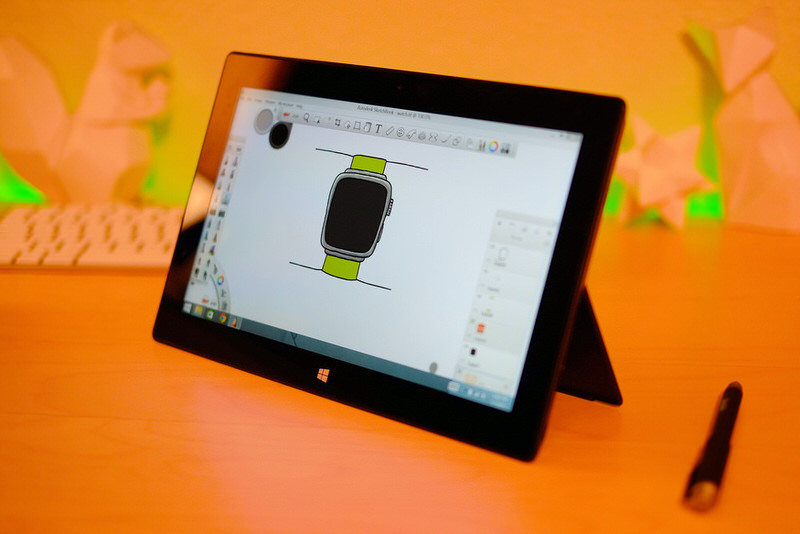
The hardware feels really nice, the pen aside (I got a Wcom Bamboo Feel stylus to replace the bad pack-in). It's not as nice as modern Apple stuff, but it is almost as nice. Generally, it's pretty much exactly what I'd hoped it'd be. Cheap way to get a Wacom pen on a screen.
There are a couple problems. When drawing for a while it becomes apparent that a) it gets pretty hot (although the fans are barely audible), and b) even after calibration, the digitizer accuracy in the corners — say within 1 cm from the edges — isn’t great. Both of these issues are things the Surface Pro 2 goes a long way toward fixing, with Haswell and the newer digitzer… but considering this thing was $280, and the cheapest Pro 2 I could find was that $490 one, I don’t think that either is necessarily a problem serious enough that I’d pay $200 to fix (the Pro 2 also gets solidly better battery life, of course). As far as the CPU goes, it doesn’t actually exhibit stylus lag — that’d be awful (apparently the SP3 with the N-Trig digitizer does) — it just gets pretty warm. SketchBook Pro hits the CPU a lot, and certainly makes my 2013 MacBook Air heat up and spin its fan to at least 60%, so the Surface isn’t alone.
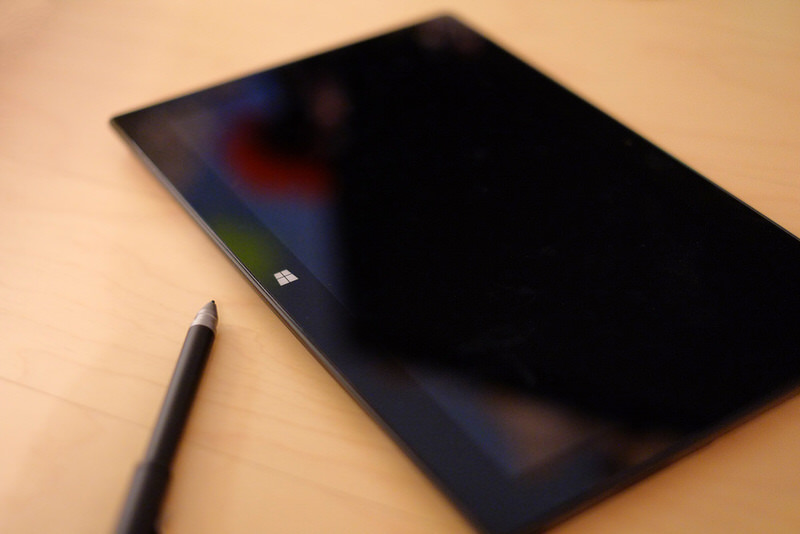
I haven’t done a lot of research, so there may be some trick to calibrating the stylus for the edges that improves things. I did the Wacom driver’s built-in calibration routine, but I’m never really sure about those. It’s the ol’ “tap the target” deal that would be familiar to any Palm III/V user, and I’m always worried that I didn’t hit the target properly, or was holding the stylus funny, or something. Looks like you can at least brute-force Windows into taking more calibration data — the Wacom driver has just four points in regular mode, or 24 in its special “edge calibration” mode. So I'll be screwing around more with that when I have time, but it's not super-crucial, since it's only the edges where the calibration is iffy anyway.
Pretty cool, on the whole, especially considering it’s 2.5 years old and counting. It kind of makes me regret that I'm not a Windows person, at least until the point I have to jump out of SketchBook and use Windows. Anyway, highly recommended if you too are looking for a ghetto Cintiq.